A universal travel adapter for conference trips: plugs, volts and power
Choosing a universal travel adapter for a conference trip with a laptop and test phones: plug types, voltage labels, grounding, USB-C and power bank rules.
 Yasmin El Amrani · · 8 min read
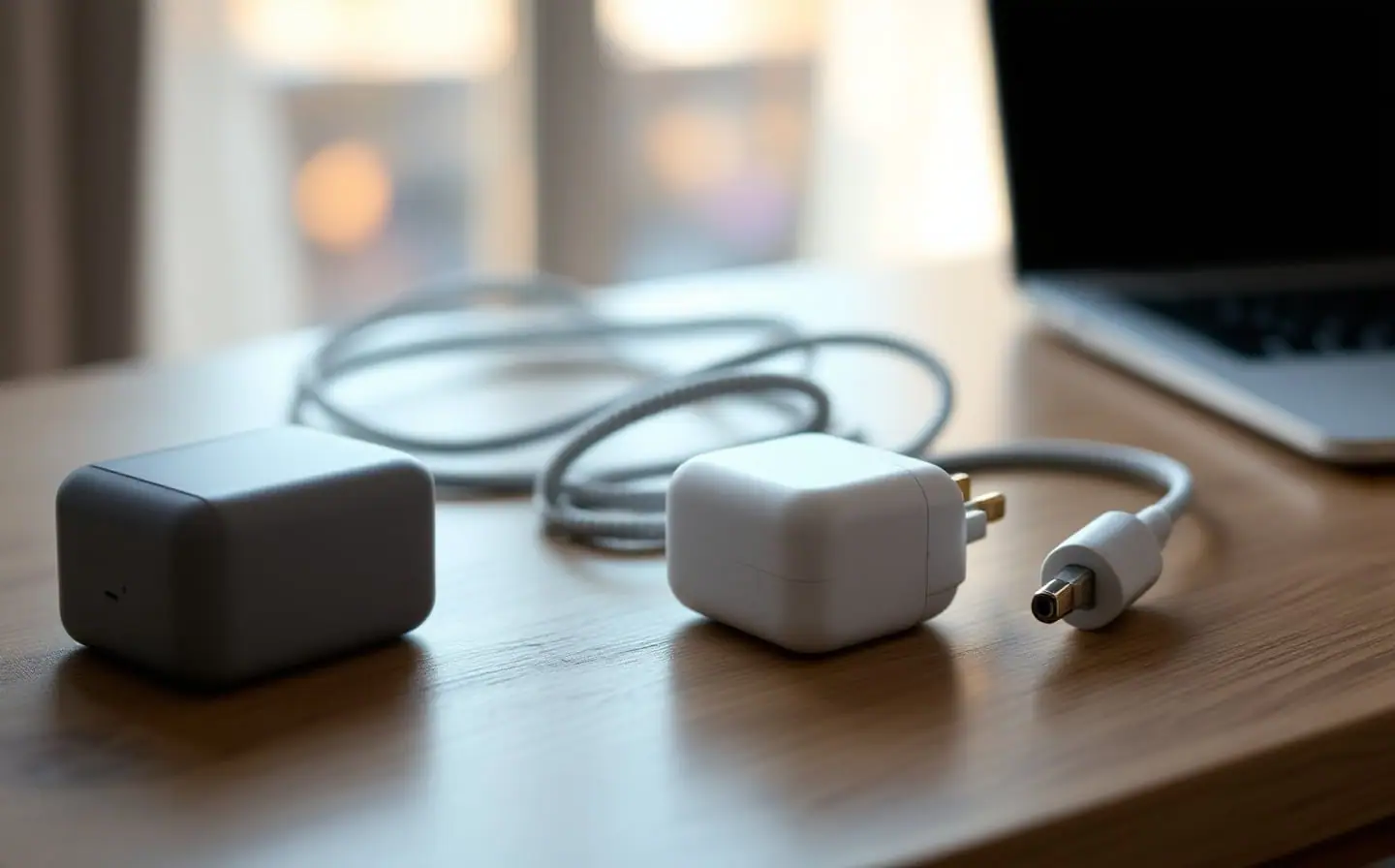
Most of my conference trips start at Amsterdam Centraal or Schiphol and end somewhere with different sockets: a train to Brussels, a flight to London or Lisbon, now and then one across the Atlantic. The bag barely changes. A laptop, my own phone, and an older Android phone I keep for trying the apps founders want to show me between sessions. Three devices, two of them hungry, and on a good day one free socket at the back of the talk room.
For years I packed a small pile of country plugs. One universal travel adapter replaced them, and it changed how I think about the rest: the adapter deals with the wall, a compact charger deals with the watts, and a power bank covers the hours when no socket is free. Here is what to check on each, for anyone who travels to events with a laptop and test devices.
The picks below were chosen from their published specifications and from what buyers report in reviews. I haven't carried these exact models on a trip of my own.
Contains affiliate links.
Start with the sockets at the other end
Plug shapes have letters. The IEC, the body that sets international electrical standards, keeps a World Plugs guide that names the types from A to O and lists which ones each country uses, along with its voltage. Give it thirty seconds before every trip, because "Europe" is not one socket.
The routes I see most often from Amsterdam:
| Where | Socket types | Mains | Plug set | Worth knowing |
|---|---|---|---|---|
| Netherlands, Germany, Spain | C, F | 230 V, 50 Hz | EU | F sockets also take two-pin plugs |
| Belgium, France | C, E | 230 V, 50 Hz | EU | On type E, the earth pin sits in the socket |
| Portugal | C, E, F | 230 V, 50 Hz | EU | Type E is rare there |
| Italy | C, F, L | 230 V, 50 Hz | EU, mostly | Type L comes in two pin spacings |
| Switzerland | C, J | 230 V, 50 Hz | Check first | Slim two-pin Europlugs fit |
| UK, Ireland | G | 230 V, 50 Hz | UK | UK sockets often have their own switch |
| United States | A, B | 120 V, 60 Hz | US | Your charger must accept 120 V |
| Australia, New Zealand | I | 230 V, 50 Hz | AU | Angled flat pins |
| Japan | A, B | 100 V, 50 or 60 Hz | US | Most sockets take only two-pin type A |
An adapter with US, EU, UK and Australian pins covers nearly every row. The UK and Ireland use type G only, which no continental plug fits. Italy and Switzerland are the rows to check: their sockets are built around slimmer pins, and while the flat two-pin Europlug fits both, not every round-pin plug made for German or Dutch sockets does. Try the adapter in the hotel room on the first evening, not at the venue before your workshop.
An adapter changes the shape, not the voltage
A travel adapter only rearranges pins. Whatever the wall supplies goes straight through, so 120 V in New York, 230 V in London and 100 V in Tokyo all reach your charger unchanged. A voltage converter changes the voltage itself, and laptops and phones rarely need one, because their chargers are built for the whole range.
The proof is on the brick: an INPUT line reading 100-240V, with 50/60 Hz after it. Google's spec page for its 45 W USB-C charger shows exactly that line, and most laptop and phone chargers carry a similar one. If yours says that, an adapter is all you need. A single voltage means the charger stays home or travels with a converter. Things that heat, such as a hair straightener, are the usual exception.
Grounded and ungrounded plugs
Types A and C have two pins and no earth. Types B, F, G and I add an earth connection, through a third pin or, on type F, the metal clips at the sides of the socket. The Anker Nano travel adapter has no grounded plugs, according to its listing, so it connects only the two power pins. That matters less than it sounds.
Phone chargers and compact USB-C chargers are typically double insulated, known as Class II: they are built so they need no earth at all. In Europe they carry the Class II symbol, a small square inside a larger one, or the words "double insulated". Those run on an ungrounded adapter exactly as designed.
Laptop bricks are more mixed. If yours came with a three-pin cord and has no square-in-a-square symbol, it expects an earth connection that an ungrounded adapter can't give. Use it with a local cord in a local socket, or charge the laptop over USB-C from a two-pin charger.
USB-C on the adapter, or a GaN charger
The Nano's two USB-C and two USB-A ports are what make it more than a plug. The phone and the test device charge from those ports while the laptop brick plugs into the adapter, so one wall socket feeds three devices. Before you count on the USB-C ports for the laptop too, check what the listing says they deliver, because a laptop needs far more than a phone.
The tidier option is a compact GaN charger plugged into the adapter. Gallium nitride parts let chargers shrink for the same power. The three-port 100 W GaN charger gives up to 100 W from a single USB-C port and has a foldable plug. Its front readout shows what each port is delivering, which helps more than it sounds: when a test phone charges slower than it should, you see whether the cable, the port or the phone is at fault before the demo, not during it.
The chain: adapter in the wall, charger in the adapter, laptop on the main USB-C port, phones on the rest. Mind the cable too. A plain USB-C cable is usually rated for 60 W, so a laptop that draws more needs one marked for higher power. A 240 W rated cable takes that question off the table.
Power banks and the 100 Wh line
Power banks bring airport rules. They differ a little between countries and carriers, but the US version on the FAA's PackSafe page for lithium batteries is a fair template. Spare lithium batteries, power banks included, travel in carry-on bags only, and if your cabin bag is checked at the gate, the power bank comes out and stays with you. Each battery may be rated up to 100 watt hours. Between 101 and 160 Wh you need the airline's approval and can bring two at most. The FAA also notes that many airlines set stricter limits, including how many power banks one passenger may carry. Some carriers also restrict using them during the flight, so read your airline's page before you go.
Packs are sold in mAh, though, not Wh. The FAA's tip is to multiply the battery voltage by the amp hours. Lithium-ion cells are typically rated around 3.6 to 3.7 V, so a 20,000 mAh pack (20 Ah) comes to roughly 72 to 74 Wh, and a 25,000 mAh pack to roughly 90 to 93 Wh. Newer packs print the Wh figure on the case, and that printed number is the one to show if security asks.
The 20,000 mAh power bank with a built-in cable shares 87 W across its outputs and gives up to 65 W to a single device. If your laptop charger is rated 65 W or less, the pack can keep up with it; above that, a laptop usually still charges, only more slowly. And a built-in cable can't be left on the hotel desk.
Speakers and workshop hosts who run a laptop on battery through a whole session need more. A 25,000 mAh pack with 165 W in total and several 100 W USB-C ports covers that.
Venue sockets, and the people next to them
Conference venues are built for crowds, not chargers. Talk rooms have sockets along the walls and at the back, rarely between the seats, and the ones near the stage or the sound desk usually belong to the AV crew, so leave those alone. Workshop rooms often get power strips on the tables, though not always; the event's practical page tends to say, and our guide to practical info before a conference covers the rest of that page.
A charger with a spare port has a social side too. Offering the person on the floor next to you a charge has started more good conversations for me than any opening question. In the UK, if nothing charges at all, check the switch on the socket before you blame the adapter.
The evening routine matters more than the gear. Charge everything at the hotel overnight, power bank included, and leave in the morning with the laptop full. The hallway track, which I wrote about in getting real value from a tech conference, rarely happens next to a socket.
The calendar of the big recurring events helps you see which sockets the coming season's trips will bring.
Questions
Do I need a voltage converter for my laptop in the US?
Almost certainly not. US sockets supply 120 V, which chargers rated 100-240V handle without help. Check the INPUT line on the brick; if it shows that range, a plug adapter is enough.
Can I use an ungrounded adapter with a laptop charger that has a three-pin cord?
Look for the double insulation symbol, a square inside a square, on the brick. With it, the charger needs no earth and the adapter is fine. Without it, use a local cord in a local socket.
Can I take a 20,000 mAh power bank on a plane?
In the cabin, generally yes. At typical cell voltages it works out at roughly 72 to 74 Wh, under the FAA's 100 Wh limit, but it has to stay in your carry-on, never in checked bags. Check your airline as well, since some limit how many you can bring or when you may use them.
Does a universal travel adapter work in Switzerland and Italy?
Often, but test it first. Swiss sockets take their own plugs and the slim two-pin Europlug, and Italian sockets come in two pin spacings. Try the EU plug in the hotel room on the first evening, and keep the laptop charged until you know.
Keep reading
A 100W USB-C charger for a laptop and test phones on one socket
How a 100W USB-C GaN charger shares power between a laptop and test phones, what a MacBook needs to fast charge, which cables to use, and three picks.

Faster Gradle builds: the fixes that actually help
Measure first, then fix: the Gradle and Android settings that really shorten builds, the changes that take a day, and the popular tricks that barely matter.
A powered USB hub for test phones: power, ports and switches
How to choose a powered USB hub for test phones: why bus-powered hubs drop devices, what to read on the spec sheet, and why a switch on every port helps.